What does a licence actually buy?
The whole plug-in, permanently, plus every future version of it, on up to three of
your machines. There is no feature-limited edition and no paid upgrade later.
Is there a subscription?
No, and there will not be one. You pay once. If the licence server disappeared
tomorrow, your already-activated machines would keep working, because they verify the
licence locally rather than asking permission each launch.
How many machines can I install on?
Three per licence, meant to cover a desktop, a laptop and one more. If you replace a
machine and need the slot back, email us and
we will clear it.
Why is it twenty dollars, and Fiya Eye thirty?
There is no catch: it is a genuine lifetime licence and the trial is the complete
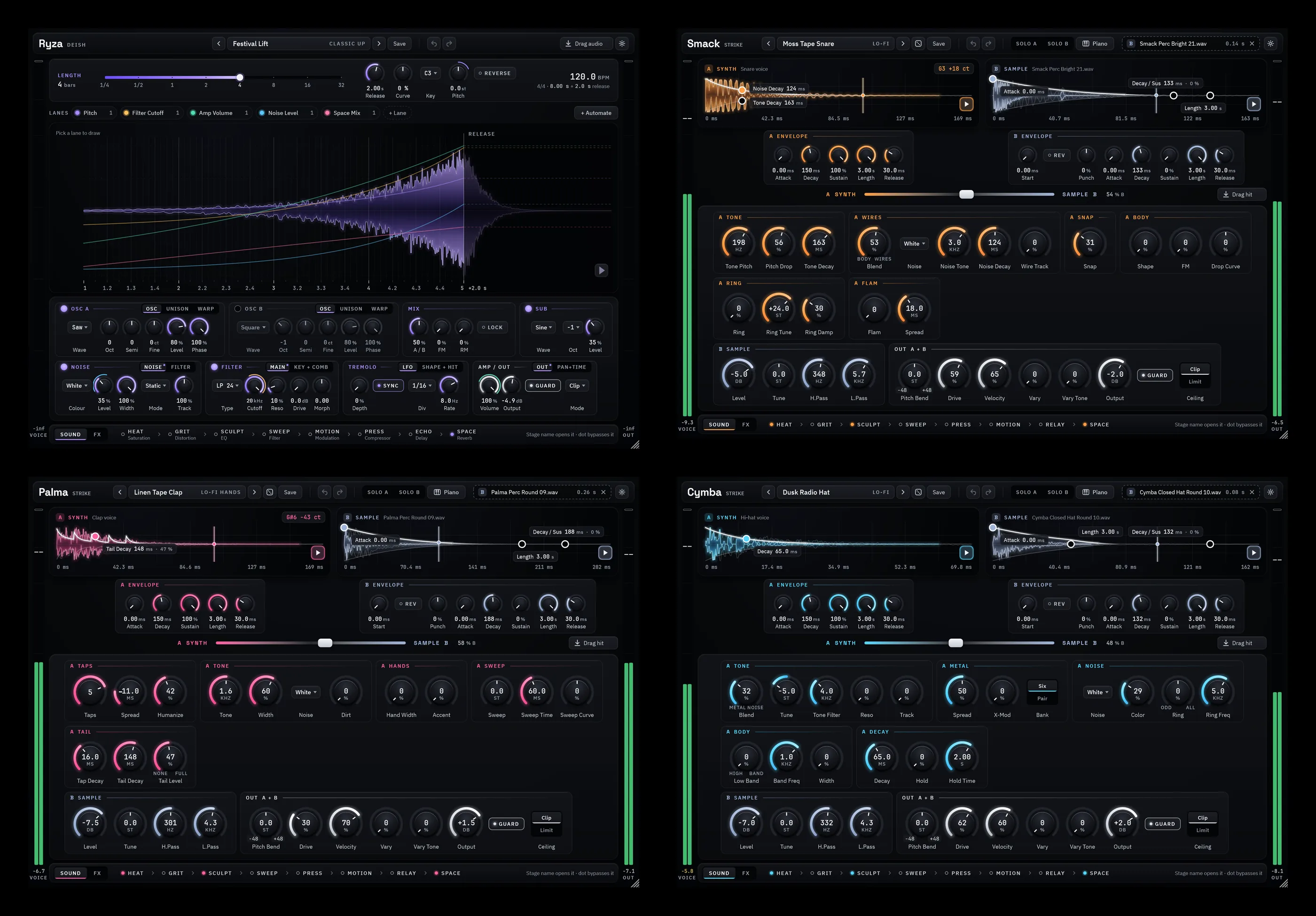
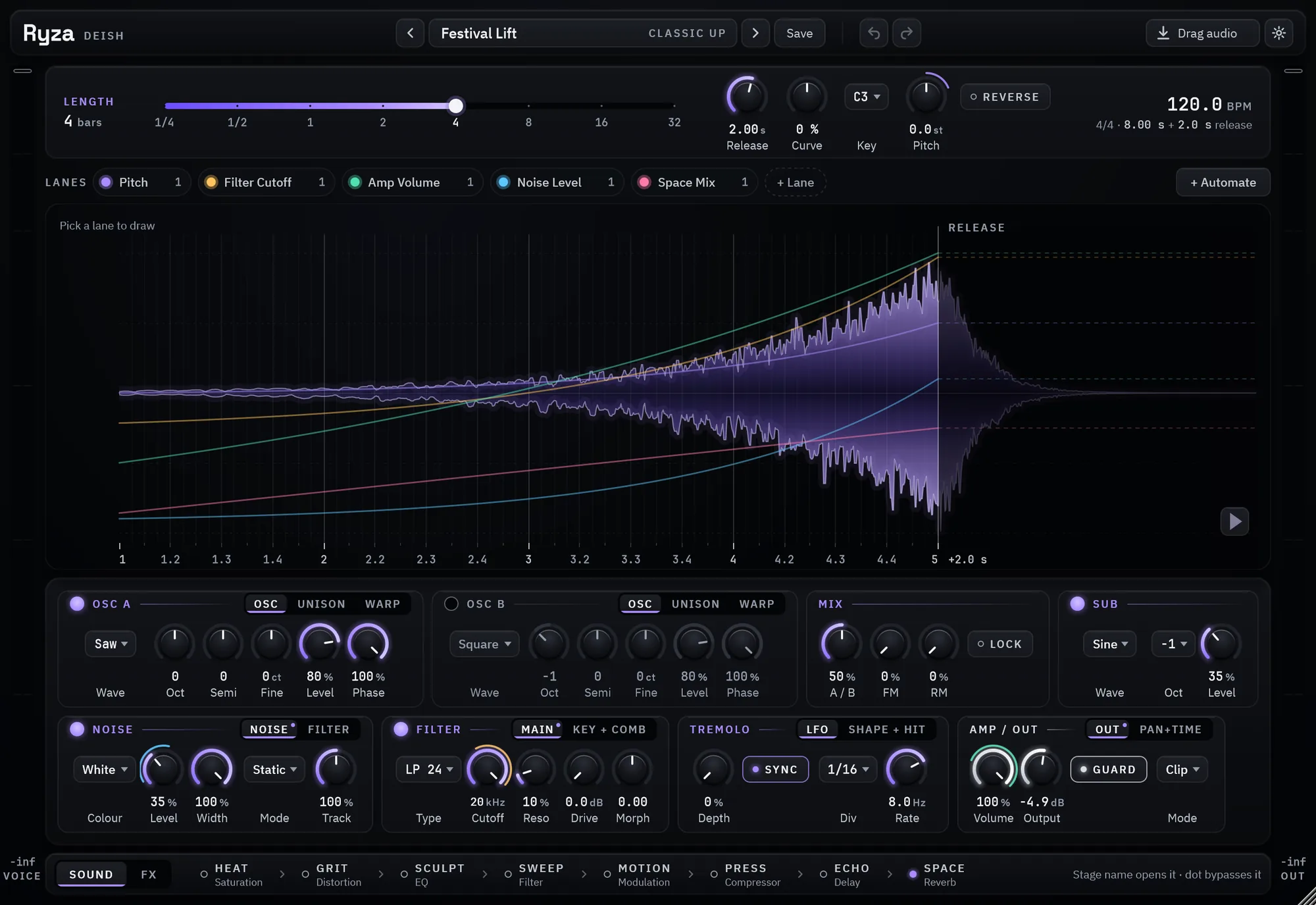
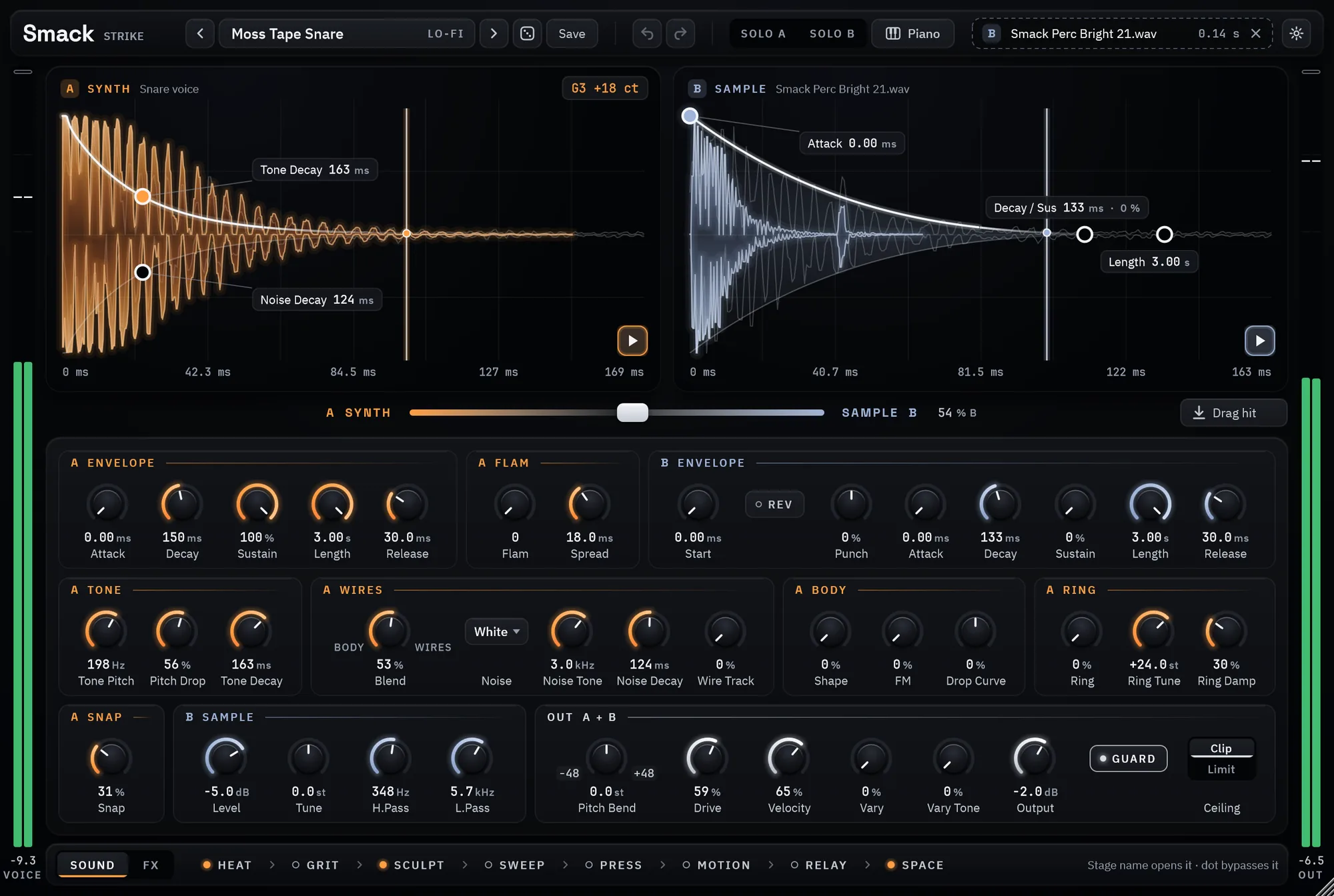
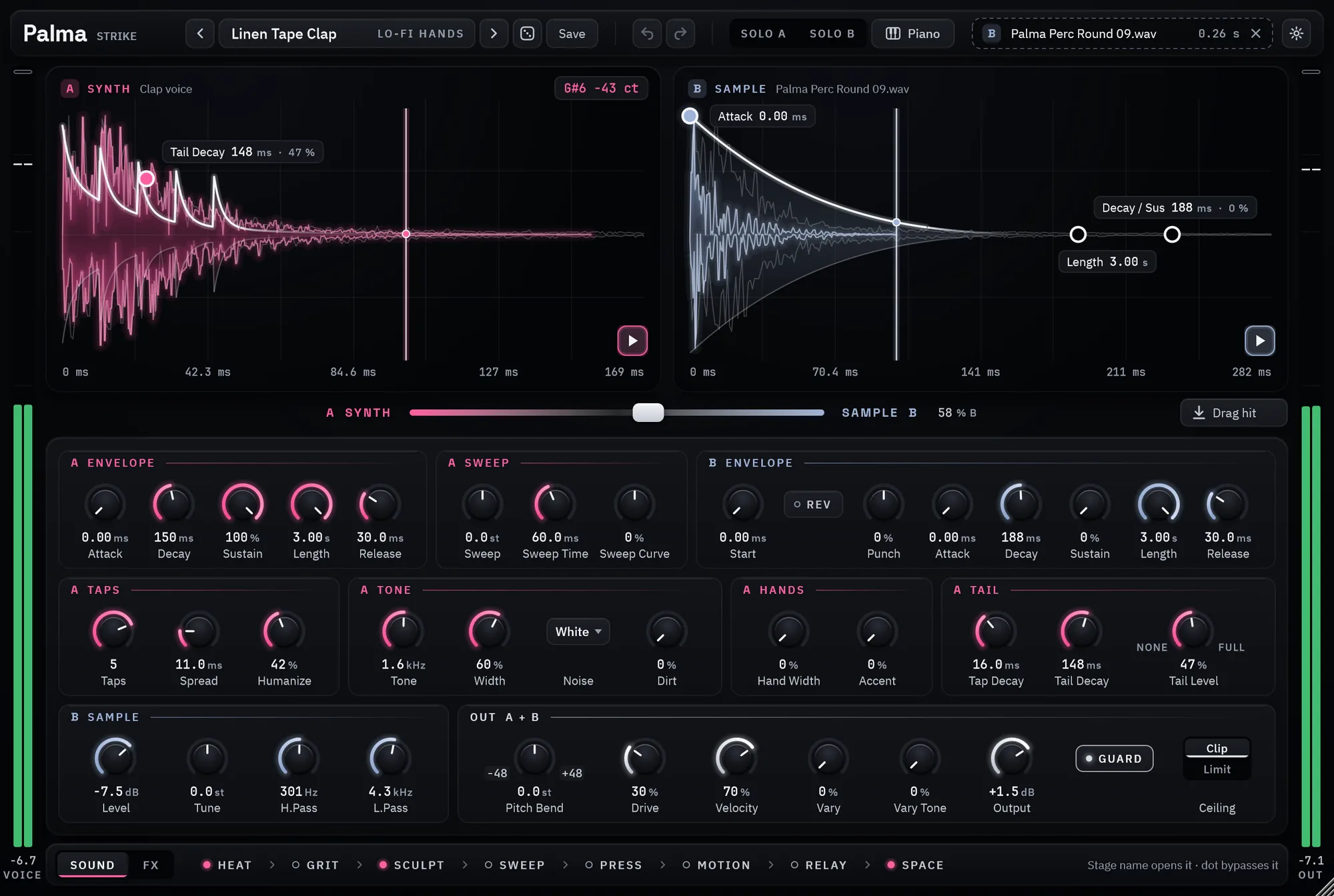
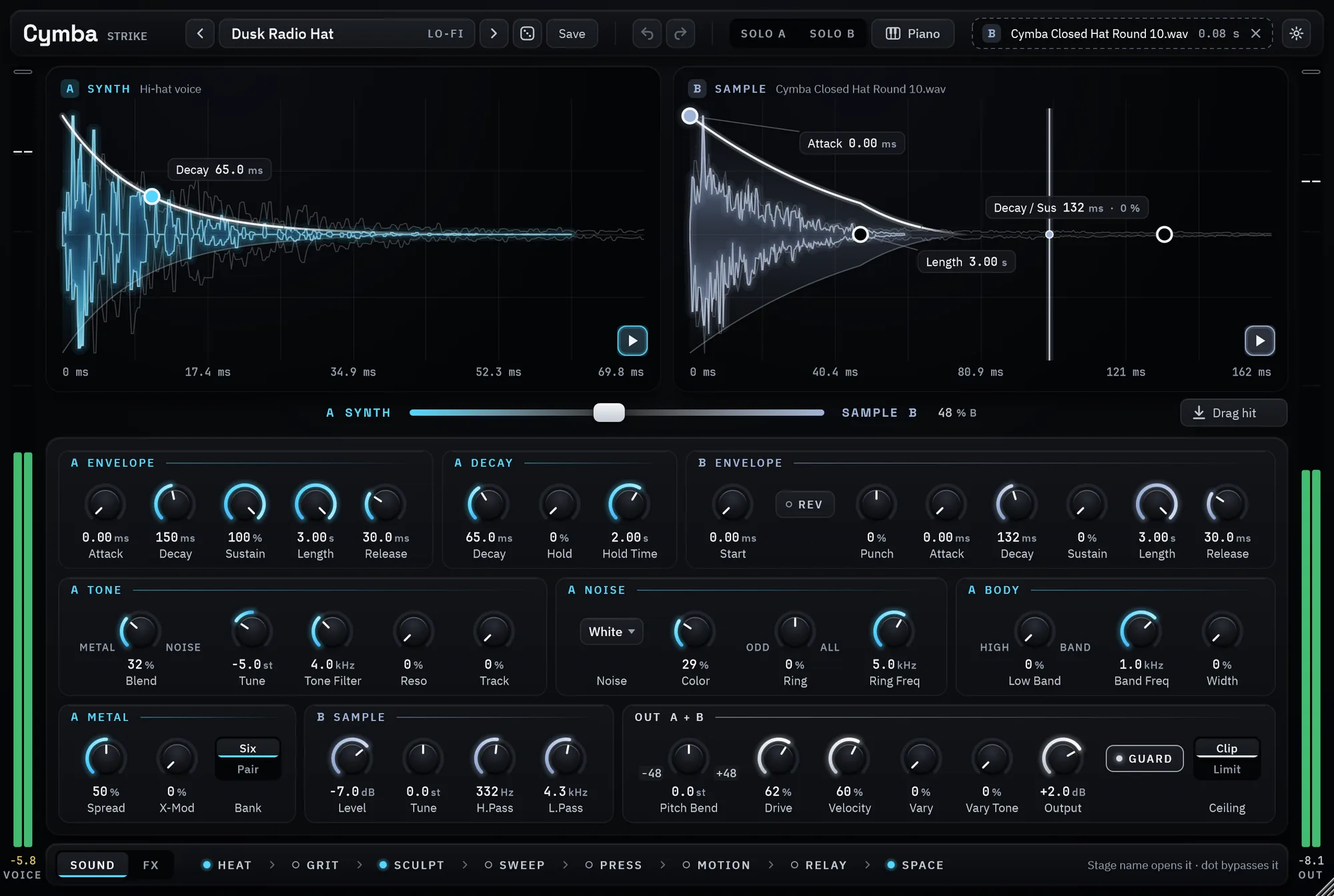
plug-in. Smack, Palma and Cymba are sold together as Strike, one $20 licence for all
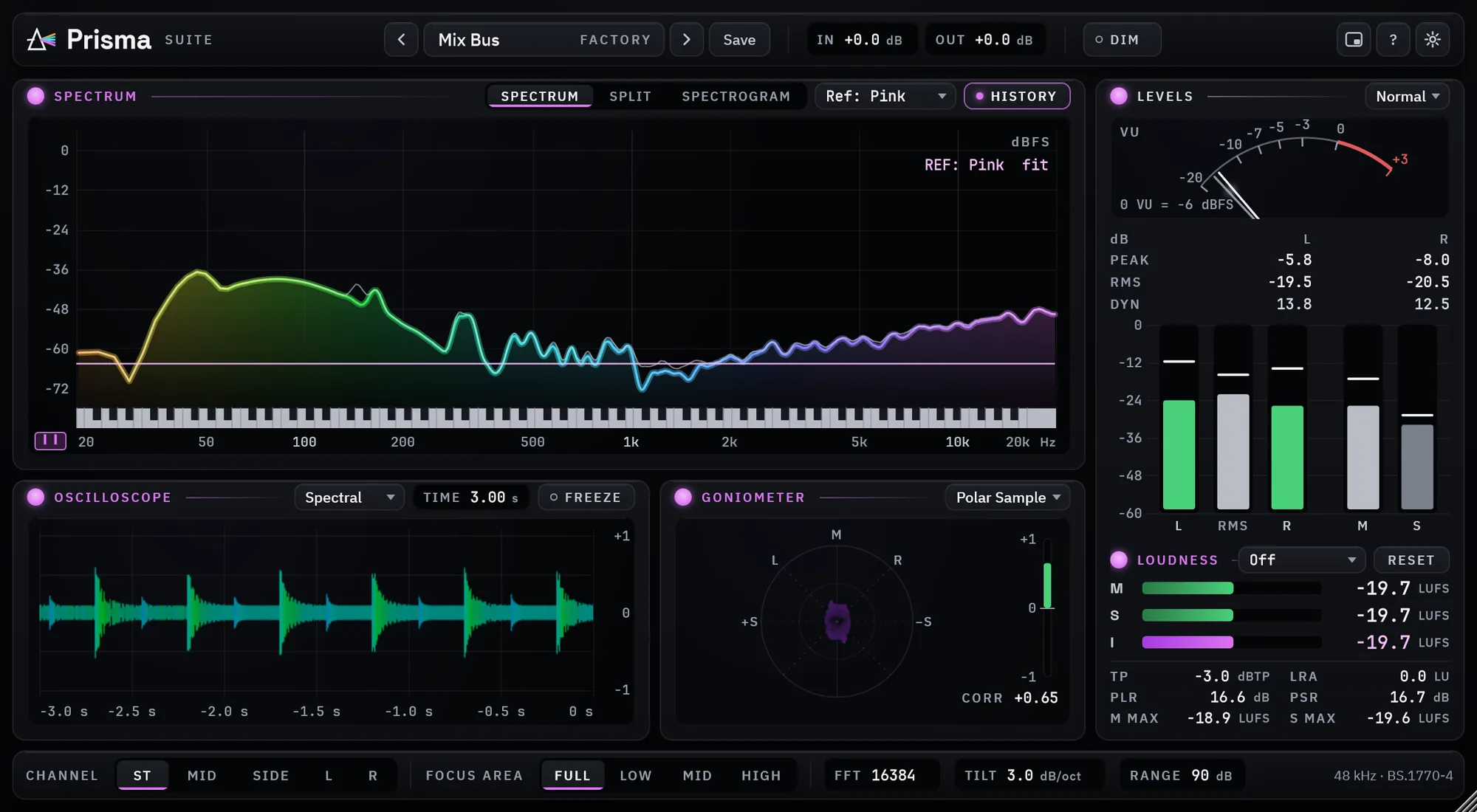
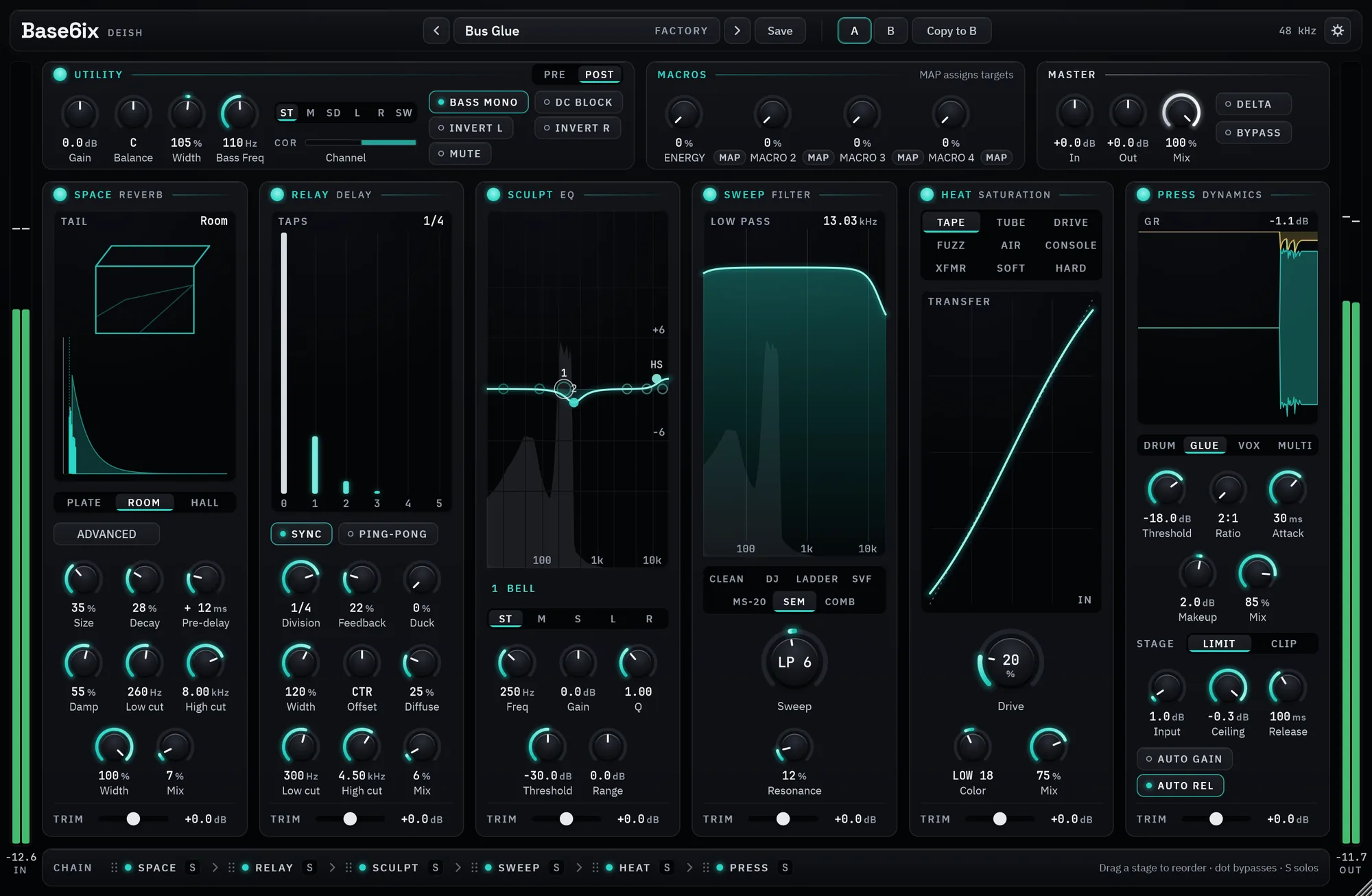
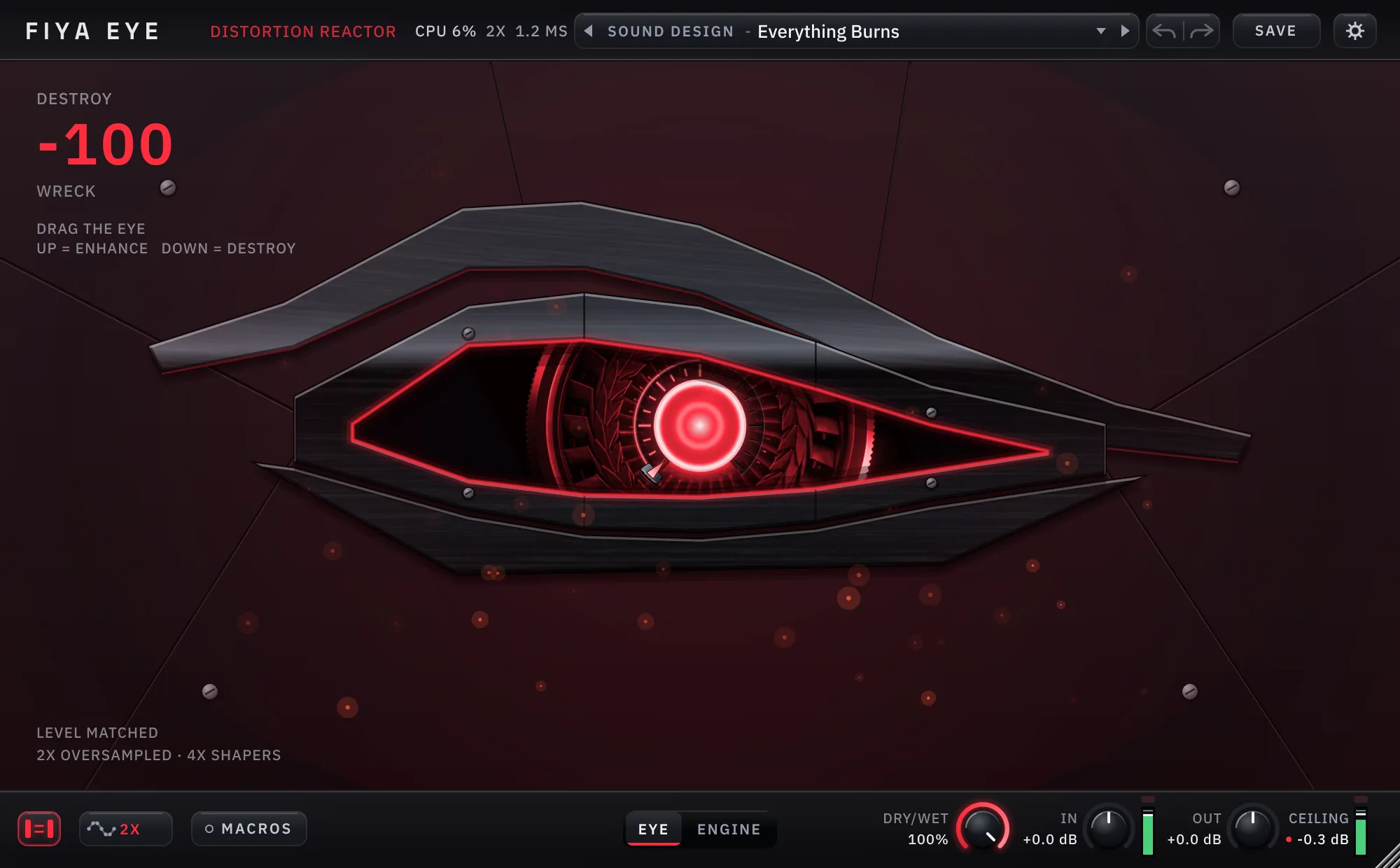
three drums, and Everything puts Prisma Suite, Base6ix, Ryza, Fiya Eye and the three drums on one $100 licence. Fiya Eye is $30 for a limited time on its own licence.
A licence bought today stays a lifetime licence for three machines, with every
future version of that plug-in included.
Which formats and operating systems?
VST3 and a standalone app on Windows, plus AU on macOS. macOS builds are signed and
notarized. What is actually built and downloadable differs per plug-in and is stated
on each product page.
What happens when a trial ends?
The plug-in stops doing its job and says so. The window greys out with a banner, and
the activation button stays reachable. An analyzer stops drawing; a processor
silences its output rather than passing audio through it. Nothing is deleted and
nothing expires from your project file. Activating later brings everything straight
back.
Do the plug-ins phone home?
Once, when you activate. After that there is no network call at all: no telemetry, no
update check, no analytics. The privacy policy says the same
thing in more words.
Which ones are instruments?
Ryza and the three Strike drums make sound rather than process it. They go on a MIDI
track, and each can drag its finished output onto an audio track as a 24-bit WAV.
Prisma and Base6ix go on a track you already have.
 Deish Media